5 Best Job Application Trackers for Job Seekers (2026)
Treating a modern job hunt like a casual task list is a direct path to burnout. When you scale your application velocity across dozens of target roles, your search ceases to be a simple text document—it turns into a sales funnel. If you manage that complex pipeline in your head, you will inevitably forget to follow up with recruiters, send conflicting resume versions, or completely lose track of interview dates.
Historically, job seekers defaulted to standard Excel sheets. However, manual spreadsheet logging is a massive time sink. By the time you copy the company name, role title, salary metrics, job description, and portal link, fifteen minutes have slipped away. Worse, most people drop manual updates entirely after their second week.
The best job application tracker eliminates this friction. Modern job search CRMs use advanced browser extensions to capture listings in a single click, autofill lengthy enterprise application fields, link your customized documents to specific roles, and notify you when it is time to email human resources.
We independently evaluated the top tracking platforms on the market across pipeline flexibility, browser capture automation, AI keyword matching, and real-world value. Here is our definitive guide for 2026.
Quick Summary: The Top Job Search CRMs Compared
If you are currently expanding your outreach pipeline and need an immediate central platform to log applications automatically, here is our top-level editorial summary:
-
Best Overall Pick: Teal HQ (The ultimate job search CRM that blends unlimited pipeline tracking with deep resume-specific keyword adjustments).
-
Best for Visual Thinkers: Huntr (Features the absolute cleanest multi-column Kanban board, complete with advanced contact tracking cards).
-
Best for Reducing Fatigue: Simplify (Unmatched for high-volume applicants due to an elite automated field autofill engine).
-
Best Free Alternative: Notion Templates (Ideal if you want complete visual data layout control without recurring monthly costs).
The Evolution of Tracking: Why Spreadsheets Keep Tripping You Up
A dedicated, specialized tracking suite changes your daily search momentum by fixing three clear vulnerabilities standard data sheets possess:
-
Job Description Loss: Companies regularly take down listings the moment they fill a candidate pipeline. If you only save the link, you lose access to the exact text you need to build interview stories. Trackers archive full text layers permanently.
-
Disconnected Version Tracking: If you send version A of your experience to one firm and version B to another, matching the files during follow-up calls becomes a guessing game. Specialized tools link target assets directly to the company entry.
-
No Action Prompts: Sheets sit passively on your hard drive. Intelligent tracking apps constantly scan your data, pushing follow-up email notifications when an entry remains stagnant in the “Applied” column for more than 5 days.
In-Depth Reviews: The 5 Best Job Application Tracker Platforms
1. Teal HQ – Best Overall Job Search CRM and Optimizer
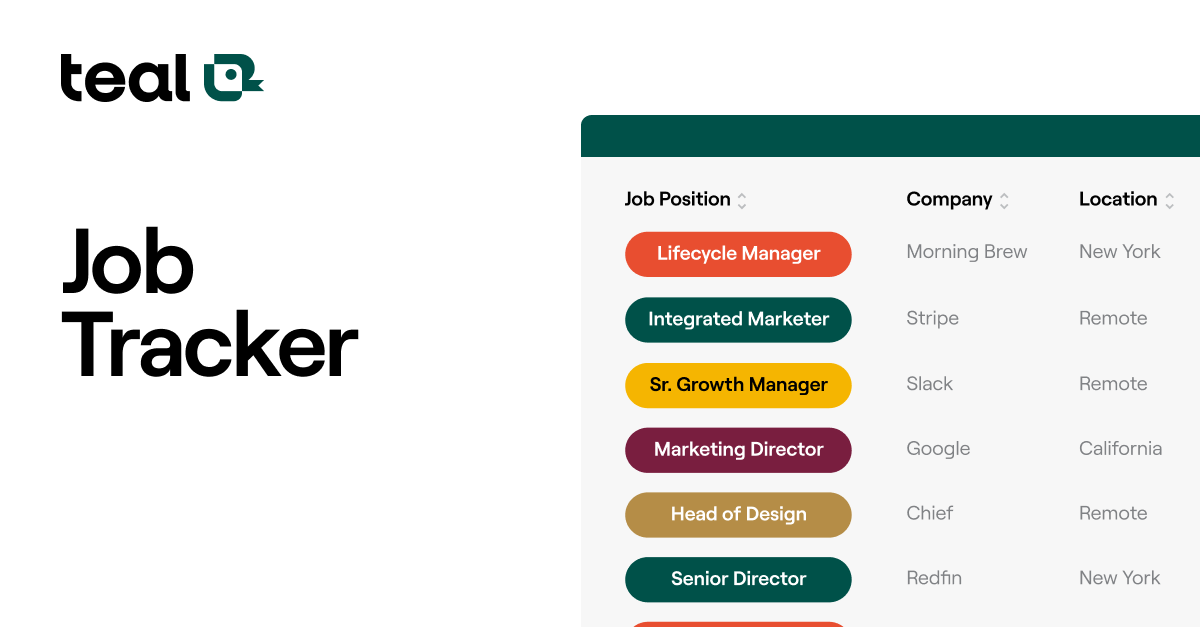
Teal HQ remains the market standard because it doesn’t view tracking as a simple storage list. It explicitly treats your job hunt like a sophisticated corporate sales cycle, combining pipeline data with intelligent content construction.
-
Who It Is Best For: Job seekers who want to centralize their pipeline tracking while systematically matching their resumes to corporate ATS keyword targets.
-
Main Strengths: The absolute best browser companion tool on the market. Clicking the extension on LinkedIn, Indeed, or Seek instantly captures the complete job text, company profile, and structural parameters to your hub. It then calculates a tailored match rate score, highlighting precisely which hard and soft skills you should emphasize in your application.
-
Important Limitations: The tool does not feature a native cross-platform autofill tool to automatically paste your background into application web forms.
-
Pricing Context: Core pipeline organization and unlimited document tracking are completely free. Advanced AI updates and comprehensive interview path scripts are locked behind Teal+ at $29 per month.
2. Huntr – Best Visual Kanban Pipeline for Power Networkers
If your mental model of tracking relies on seeing everything visually, Huntr features the most intuitive drag-and-drop workspace layout in the career software industry.
-
Who It Is Best For: Applicants handling a massive volume of simultaneous applications who require clear visibility into their status bottlenecks.
-
Main Strengths: Its underlying data layer acts like a lightweight enterprise CRM. Each custom job entry card doesn’t just hold application metadata; it houses an internal workspace to map recruiters, log physical interview history notes, store cover letter variations, and tie tasks to an automatic calendar pipeline.
-
Important Limitations: The free tier features a hard volumetric limitation that caps your active tracking space.
-
Pricing Context: Free plan allows for up to 40 logged opportunities. Premium upgrades scale transparently at $10 per month to eliminate all pipeline limits.
3. Simplify – Best High-Volume Autofill & Automated Logging Suite
For applicants who prioritize speed above everything else, Simplify functions as an indispensable utility tool by completely eliminating manual data entry.
-
Who It Is Best For: High-volume candidates applying to dozens of tech, startup, or corporate roles utilizing standard platforms like Workday or Greenhouse.
-
Main Strengths: Unmatched form automation. You fill out an intake profile once, and their browser extension automatically detects and populates hundreds of distinct text fields across massive job portals. Most importantly, the tool automatically logs the application to your tracking board the exact second you press the submit button.
-
Important Limitations: The internal keyword analysis and resume editing tool suites are basic compared to specialized engines like Teal or Jobscan.
-
Pricing Context: The underlying core platform, form autofill pipeline, and data logging framework are 100% free.
4. Prentus – Best All-in-One for AI Document Generation & Mock Prep
Prentus approaches the job search challenge by closing the structural gap between organizing a pipeline and preparing for the human interaction that follows.
-
Who It Is Best For: Job switchers and early-career candidates who want an all-in-one assistant to log roles, build drafts, and run immediate practice scripts.
-
Main Strengths: When you bookmark an open listing using its browser toolkit, Prentus doesn’t just create a static database record. It lets you immediately generate a customized resume variation, write a matching cover letter, and spin up a spoken AI voice mock interview loop based entirely on the text parameters of that specific job posting.
-
Important Limitations: The core system interface is built around heavily integrated automation pathways, which can feel less streamlined if you want a classic, simple data log sheet.
-
Pricing Context: Offers highly functional free baseline tracking models with access thresholds for advanced AI agents.
5. Notion (Job Board Templates) – Best for Total Layout Customization
For job hunters who refuse to be locked into proprietary dashboards or third-party corporate ecosystems, building a tracking pipeline inside Notion provides ultimate database autonomy.
-
Who It Is Best For: Power users, project managers, and independent operators who already run their lives inside Notion workspaces and want custom data properties.
-
Main Strengths: Absolute customization freedom. You can alter template fields, interlink contacts to distinct company databases, attach extensive interview logs, and filter your view by priority, salary tier, or application date instantaneously. Dozens of professional job hunter templates are available on the marketplace completely free.
-
Important Limitations: It lacks any automated, native browser text scraping or real-time keyword matching engines; data entry remains entirely manual unless you build custom API hooks.
-
Pricing Context: 100% free for individual user workspaces.
Buying Guide: How to Select the Ideal Tracker for Your Routine
Before committing your daily job hunting momentum to a specific platform ecosystem, analyze your real-world strategy parameters:
-
Match the Tool to Your Volume: If your target framework relies on a highly focused search—applying to fewer than 15 specific, high-value target companies—prioritize deep analytics and personalization engines (Teal HQ or Prentus). If your approach demands wide market coverage across dozens of platform listings per week, prioritize form acceleration engines (Simplify).
-
Verify Browser Compatibility: Ensure the platform’s browser plugin explicitly maps data strings from the job portals you evaluate most frequently. Test whether the extension successfully pulls metadata out of regional job aggregators without clipping errors.
-
Check Post-Export Autonomy: Always confirm the tracker platform allows you to export your compiled pipeline history into standard CSV or Excel formats at any time. Your networking records are valuable professional assets you should own completely.
The Analytical Edge: Turning Pipeline Data Into Interviews
As an independent career strategist, I must deliver an upfront reality check: A job application tracker is a powerful diagnostic tool for your career, not just an organizational folder.
If your tracking dashboard shows that you have submitted 50 applications, but your pipeline metrics reveal a 0% transition rate from “Applied” to “Phone Screen,” the data is telling you a structural truth: your current resume formatting or keyword alignment is failing to clear corporate ATS filters. No amount of rapid applying will fix that bottleneck.
Conversely, if your analytics prove that you win initial interviews consistently but routinely get dropped at the technical or behavioral panel column, you know exactly where to shift your training focus. Stop adjusting your resume and begin running intensive mock verbal reps via specialized AI interview practice tools.
The Professional Strategy: Use a browser tracker like Teal HQ or Simplify to automatically record your history in real time. Review your pipeline conversions every Sunday morning to pivot your tactical approach based on clear, data-driven insights.
Final Verdict: Which Job Tracker Wins?
-
If you want the most refined blend of data collection, modern user interface, and intelligent resume keyword matching analytics, choose Teal HQ.
-
If your primary priority is avoiding form fatigue and automatically logging applications without manual typing, choose Simplify.
-
If you are a highly visual thinker who wants a beautiful, clean Kanban interface optimized to track deep networking contacts, choose Huntr.
Frequently Asked Questions (FAQ)
1. Are third-party job application trackers safe for data privacy?
Top-tier tracking applications utilize standard encrypted security paradigms to isolate your dashboard information. However, because these tools scrape sensitive data including your contact background, salary goals, and work history, avoid unvetted browser extensions and review the privacy parameters of any application before connecting your profiles.
2. Why should I use a dedicated career CRM over standard Google Sheets?
Google Sheets are entirely passive and force you to copy and paste data fields manually, which drains energy and slows your application momentum. Dedicated career CRMs automate data capture, tie documents directly to company profiles, map contacts, and actively trigger follow-up alerts.
3. Will using a form autofill tool trigger corporate ATS rejections?
No. Modern applicant tracking systems (like Greenhouse or Workday) do not evaluate how text strings entered a form field; they only parse the resulting text formatting. As long as your autofilled data is accurate and free of formatting corruption, it is perfectly safe to use tools like Simplify.
4. How often should I update my pipeline status labels?
Update your pipeline workspace the exact same day a milestone occurs. Move your tracking card to the “Interview” or “Follow-Up” column immediately after receiving an email from a coordinator. Delaying logging creates data inaccuracies that cause you to miss optimal follow-up communication windows.